Web Scraping with Puppeteer: Lessons from Production
How to build a Puppeteer scraper that survives production: fallback selectors, retries with validation, resource blocking, and run summaries, with code.
Muhammad Usman
July 21, 2026 · 3 min read
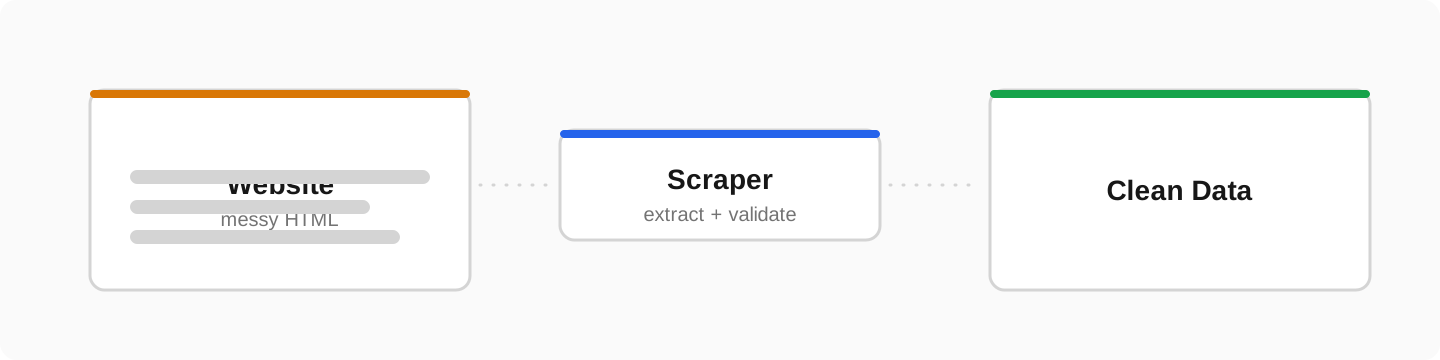
A scraper that works once is easy. A scraper that runs every night for months without babysitting is engineering. After building several production scrapers for clients, catalogs, listings, full data pipelines, these are the patterns I never skip.
Use fallback selectors
Websites change their HTML without warning. One brittle selector chain means silent death. Try the most specific selector first, fall back to broader ones, and log when a fallback fires; that log is your early warning that the site changed:
async function extractPrice(page) {
  const selectors = [
    '[data-testid="price"]',   // most stable
    '.product-price .amount',  // fallback
    '.price',                  // last resort
  ]
  for (const selector of selectors) {
    const value = await page.$eval(selector, el => el.textContent).catch(() => null)
    if (value) {
      if (selector !== selectors[0]) console.warn('price: used fallback', selector)
      return value.trim()
    }
  }
  return null
}
Retry everything, validate everything
Timeouts, half-rendered pages, captchas, and A/B layouts are normal. Wrap page visits in retries with backoff, and validate every record before saving:
async function scrapeWithRetry(url, attempts = 3) {
  for (let i = 1; i <= attempts; i++) {
    try {
      const record = await scrapePage(url)
      if (!record.name || !record.price) throw new Error('validation failed')
      return record
    } catch (err) {
      if (i === attempts) { failed.push({ url, error: err.message }); return null }
      await sleep(1000 * 2 ** i)   // 2s, 4s, 8s
    }
  }
}
Block what you do not need
The single biggest speed win. Most target sites load images, fonts, and a dozen analytics scripts your scraper never needs. Blocking them cuts load time by more than half:
await page.setRequestInterception(true)
page.on('request', (req) => {
  const blocked = ['image', 'stylesheet', 'font', 'media']
  blocked.includes(req.resourceType()) ? req.abort() : req.continue()
})
Reuse the browser, throttle politely
- Launch one browser, open pages from it; a new Chromium per URL is the classic beginner mistake
- Recycle the browser every few hundred pages to avoid memory creep
- Randomize delays between requests; hammering a site gets your IP banned
- Rotate proxies only when volume genuinely requires it
End every run with a summary
console.log(JSON.stringify({
  run: new Date().toISOString(),
  extracted: results.length,
  skipped: skipped.length,
  failed: failed.length,
}))
// -> {"run":"2026-07-21T02:00:11Z","extracted":4211,"skipped":38,"failed":3}
When the client can read one summary line and trust it, the scraper stops being a black box. Add an alert when failed crosses a threshold and you have a production system.
Frequently asked questions
Is Puppeteer good for scraping in 2026?+
Yes, for JavaScript-heavy sites it remains a top choice. For static pages, a plain HTTP client with an HTML parser is faster and cheaper.
How do I avoid getting blocked while scraping?+
Scrape at a polite rate, randomize delays, reuse sessions, set a realistic user agent, and rotate proxies at higher volumes. Politeness is the biggest factor.
Puppeteer or Playwright?+
They are very similar. Playwright has nicer multi-browser support and auto-waiting; Puppeteer is lighter and battle-tested. For scraping Chrome-rendered sites, either works well.