How to Fix CORS Errors (Explained Simply)
What the CORS error in your browser console actually means, and the correct server-side fix for Express, Laravel, and Next.js.
Muhammad Usman
June 5, 2026 · 2 min read
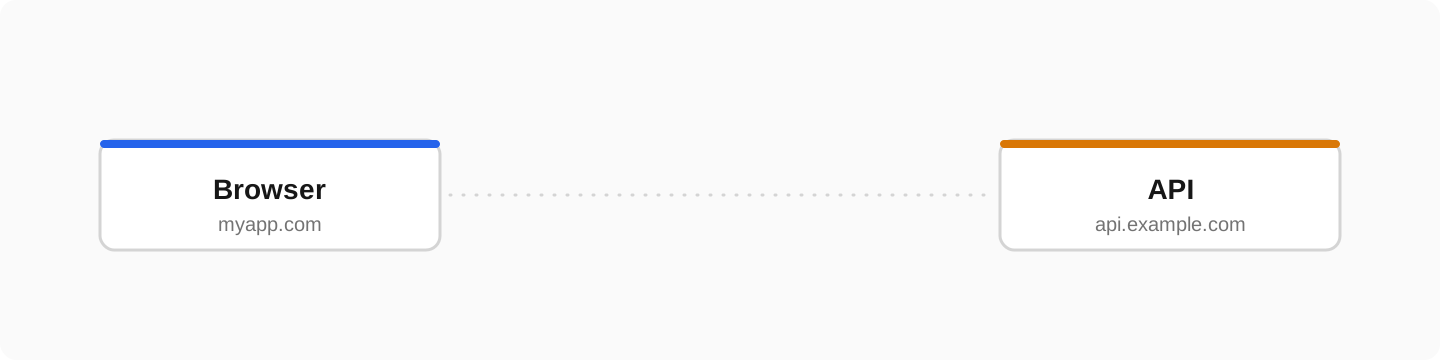
The famous error: blocked by CORS policy. Every developer hits it. The fix is one header on the server, but you need to understand what is happening or you will fight it forever.
What CORS actually is
Browsers block a website from calling an API on a different domain unless that API explicitly allows it. The API declares who is allowed with the Access-Control-Allow-Origin response header. No header, no access. That is the entire system.
# The error in your console:
Access to fetch at 'https://api.example.com/data'
from origin 'https://myapp.com' has been blocked by CORS policy:
No 'Access-Control-Allow-Origin' header is present.
The fix in Express
import cors from 'cors'

app.use(cors({
  origin: ['https://myapp.com', 'http://localhost:3000'],
  credentials: true,   // needed if you send cookies
}))
The fix in Laravel
// config/cors.php
return [
    'paths' => ['api/*'],
    'allowed_origins' => ['https://myapp.com', 'http://localhost:3000'],
    'allowed_methods' => ['*'],
    'allowed_headers' => ['*'],
    'supports_credentials' => true,
];
The fix in Next.js API routes
// app/api/data/route.ts
export async function GET(request: Request) {
  return Response.json(data, {
    headers: {
      'Access-Control-Allow-Origin': 'https://myapp.com',
      'Access-Control-Allow-Methods': 'GET, POST, OPTIONS',
      'Access-Control-Allow-Headers': 'Content-Type, Authorization',
    },
  })
}
The rules that save you hours
- Do not use origin: * together with cookies, browsers reject that combination
- http://localhost:3000 and your production domain are different origins, allow both during development
- A preflight OPTIONS request arrives before POST/PUT with custom headers, your server must answer it with the same CORS headers
- If you cannot change the API at all, proxy the request through your own backend, server-to-server calls have no CORS
Frequently asked questions
Why does my API work in Postman but not in the browser?+
CORS is enforced only by browsers. Postman and server-to-server calls ignore it entirely, which is why the API works there and fails in your frontend.
Is disabling CORS in the browser a fix?+
No. Extensions that disable CORS only affect your own machine. Your users still get the error. The fix is always the header on the server.
What is a preflight request?+
For non-simple requests the browser first sends an OPTIONS request asking for permission. The server must respond with the CORS headers before the real request is sent.