How to Speed Up a Laravel App
The highest-impact Laravel performance fixes in the order to apply them: N+1 queries, indexes, caching, and queues, with code.
Muhammad Usman
March 15, 2026 · 2 min read
Slow Laravel apps are rarely slow because of PHP. They are slow because of how they talk to the database. Here is the fix list in the order I actually apply it on client projects, with the biggest wins first.
Kill N+1 queries first
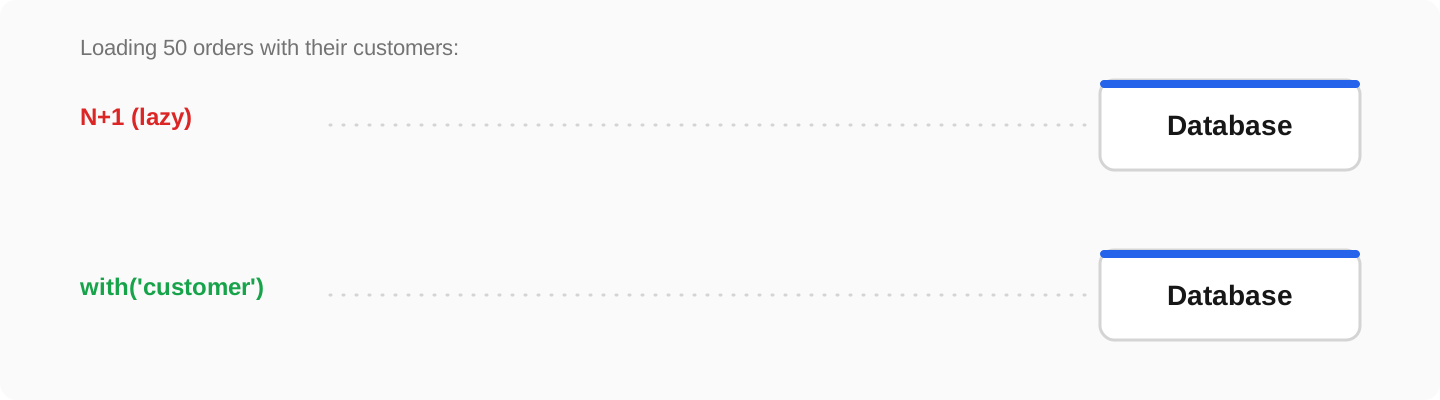
The classic: a page loads 50 orders, then runs one extra query per order for its customer. 51 queries where 2 suffice:
// N+1: one query per order for the customer
$orders = Order::latest()->take(50)->get();
foreach ($orders as $order) {
    echo $order->customer->name;   // query! x50
}

// Fixed: eager load, two queries total
$orders = Order::with('customer')->latest()->take(50)->get();
Make new N+1s impossible by failing loudly in development:
// AppServiceProvider::boot()
Model::preventLazyLoading(! app()->isProduction());
Index what you filter and sort
// Every column in WHERE / ORDER BY on big tables needs an index
Schema::table('orders', function (Blueprint $table) {
    $table->index(['customer_id', 'created_at']);
    $table->index('status');
});
Cache the expensive parts
// Redis-backed cache for a heavy dashboard query
$stats = Cache::remember('dashboard:stats', now()->addMinutes(10), function () {
    return DB::table('orders')
        ->selectRaw('DATE(created_at) as day, SUM(total) as revenue')
        ->groupBy('day')->orderByDesc('day')->limit(30)->get();
});
Queue the slow work
Emails, PDFs, and third-party API calls do not belong in the request. Queue them and the page returns instantly:
// Instead of Mail::send(...) inline:
SendInvoiceEmail::dispatch($order);   // runs on a queue worker
The production checklist
- php artisan config:cache and route:cache on every deploy
- OPcache enabled (it usually is, verify with php -i)
- Upgrade PHP: each major version is a free 10 to 20 percent
- Measure before and after with Laravel Debugbar or Telescope, optimizing without measuring is guessing
Frequently asked questions
What is an N+1 query problem?+
Loading a list runs one query, then one more per row for related data. Eager loading with with() fetches the same data in two queries total.
Do I need Redis for a small Laravel app?+
Not always, but it is the single most useful addition once you have real traffic: cache, sessions, and queues all get faster from one service.
How do I find which queries are slow?+
Laravel Debugbar in development shows every query per page with timing. In production, Telescope or the database’s slow-query log points at the offenders.